All guides
Upload your own pictures and videos
Already have a photo, a poster from your designer, a video from your phone or an article you wrote? Add it to your library for free, then post it or schedule it like anything made in SlideoClip.
Before you start
- ✓The picture (PNG, JPEG or WebP, up to 30MB), video (up to 500MB) or article text you want to add
1. Open Upload your own
On Creatives, scroll to Or start from and find the grey Upload your own card. It says free — nothing is made by AI and no credits are used.
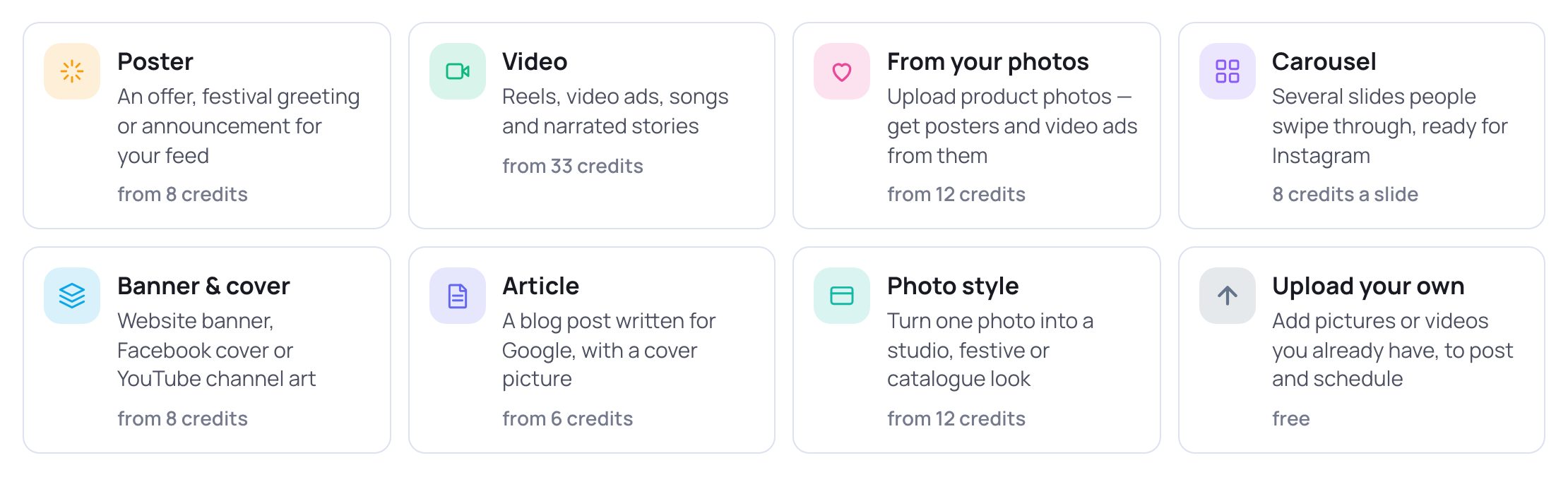
- 1Tap Upload your own — "Add pictures or videos you already have, to post and schedule".
2. Add your file
A window called Upload your own opens.
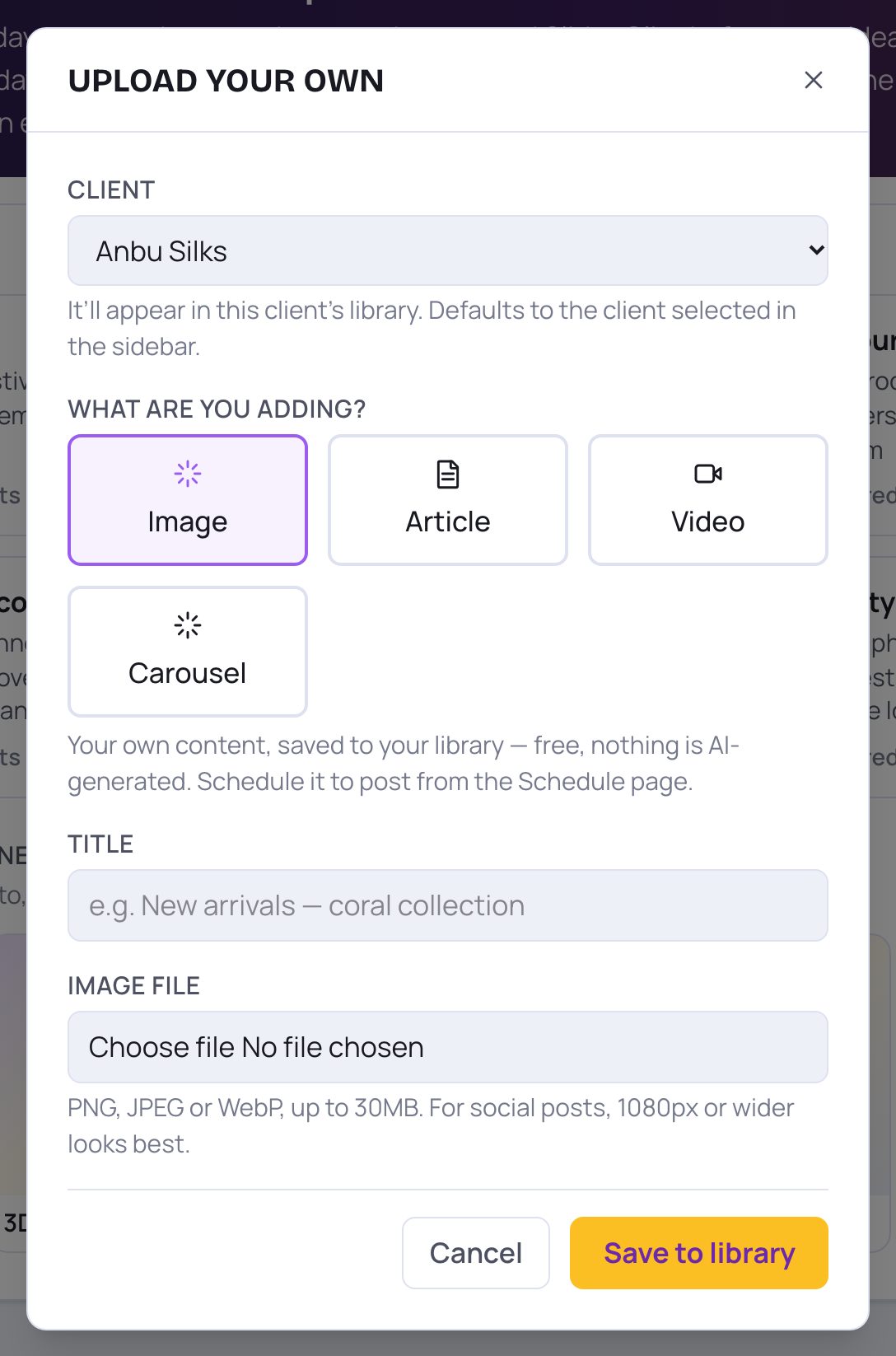
- 1Client: which client's library it goes into. It starts on the client selected in the sidebar. Pick No client — workspace-wide if it isn't for any one client.
- 2What are you adding?: tap Image for a picture or a finished poster, Video for a video, or Article to paste text. (Carousel also takes one picture file and saves it as a picture.)
- 3Title: a name so you can find it later, like "New arrivals — Aadi collection". It must be filled in.
- 4Image file: tap to choose the picture. PNG, JPEG or WebP, up to 30MB. For social posts, 1080px or wider looks best.
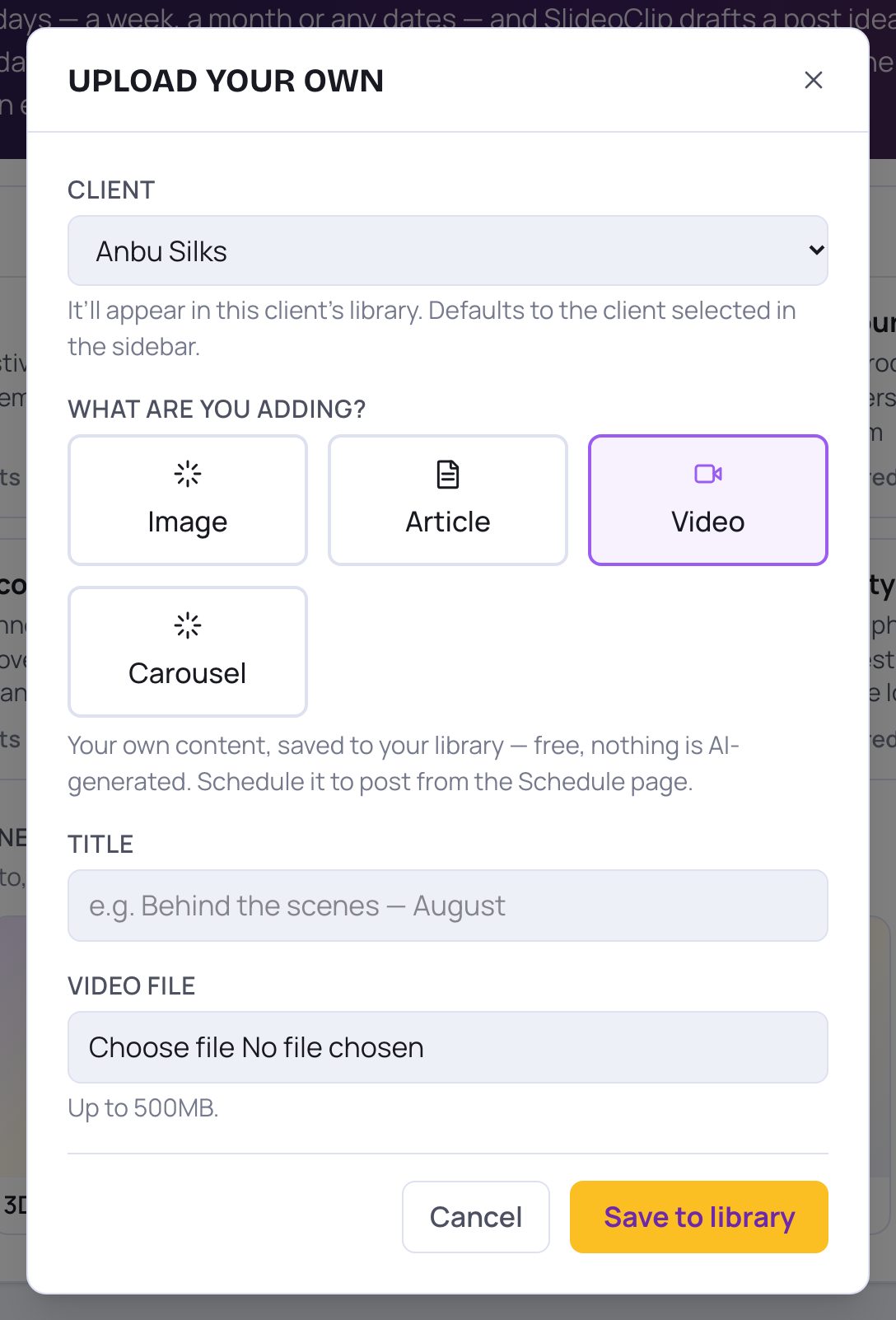
- 1For a video, tap Video.
- 2Video file: choose the video from your phone or computer. Up to 500MB.
- 3Tap Save to library. It's free. Wait while it says Saving… — a big video takes a little while.
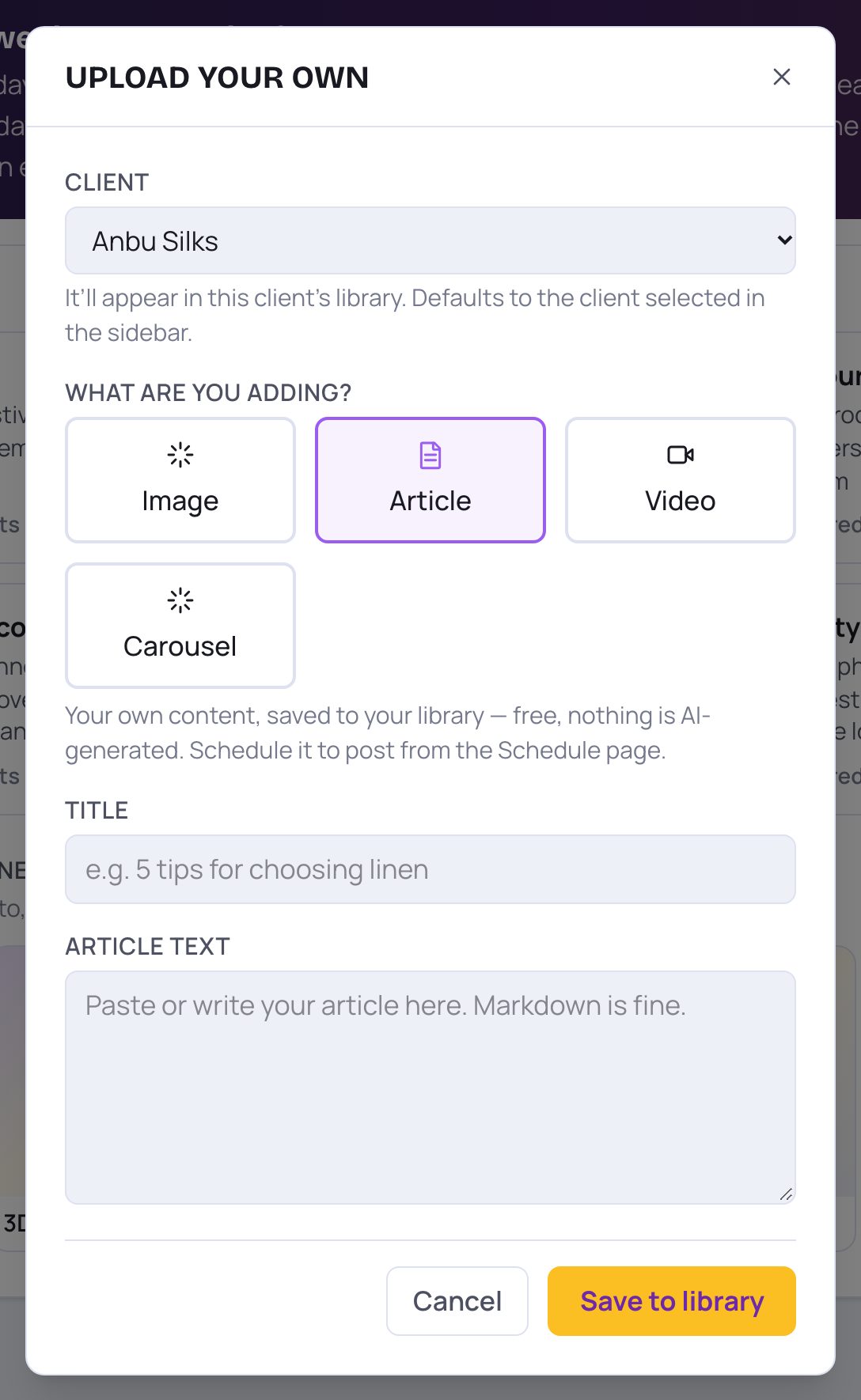
- 1For something you wrote yourself, tap Article.
- 2Article text: paste or type your article here, then tap Save to library.
💡 Changed your mind? Tap Cancel or the × at the top. Nothing is saved.
3. Post or schedule it
After saving, the window closes and your upload appears in Your creations on the same page, with the client you picked.
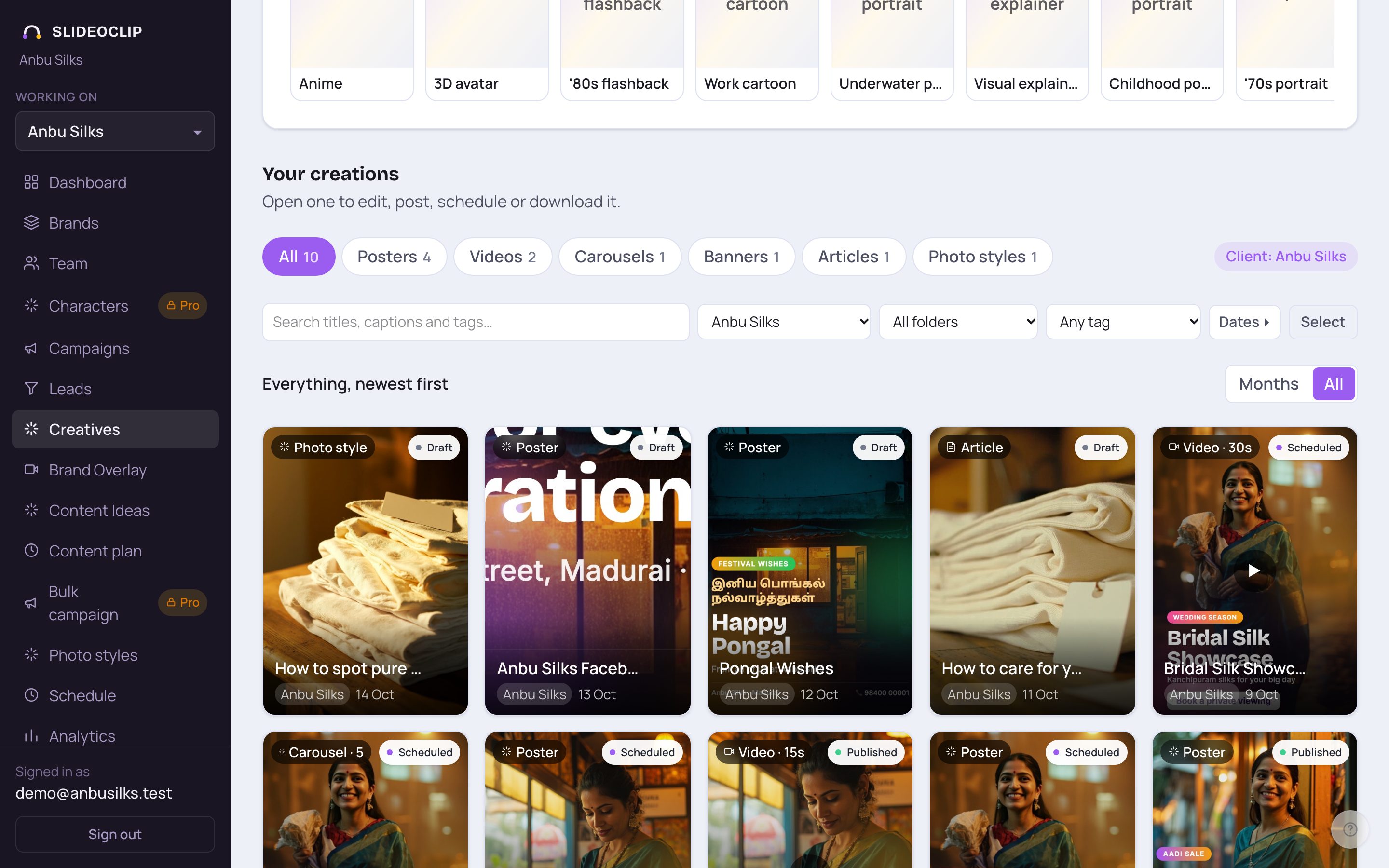
- 1Find your upload in Your creations. A picture is listed with Posters, a video with Videos, an article with Articles.
- 2Tap it to open it. From there you can post it now or schedule it — see Post it now and Schedule posts for later.
Good to know
- Give each upload a clear title so you can find it later.
- You can also schedule your uploads from the Schedule page.
Questions
Does uploading cost credits?
No. Uploading your own pictures, videos and articles is free. It does use some of your plan's storage.
Can I add my logo to a picture I uploaded?
Your upload is saved as it is. If you want a design with your logo and offer, use Make a poster and add your picture under Your photos.