All guides
Posters and videos from your photos
Add up to 12 of your own photos — products, your team, your shop — and say what you want in plain words. You get AI-made posters (one with all the photos, or one for each), your product shown on an AI model, or a short video ad where the model says your words and it ends with your shop's name, address and phone.
Before you start
- ✓Your photos: PNG, JPG or WebP, up to 30 MB each
- ✓For video ads: a plan that includes AI video (Pro or Agency), or a top-up on Starter or Growth
- ✓Your shop's address and phone saved on the Brands page, for the closing card of a video (see Add your business)
1. Open it
On Creatives, tap the From your photos card. Or, in the video chat, tap 📷 Add photos beside Send.
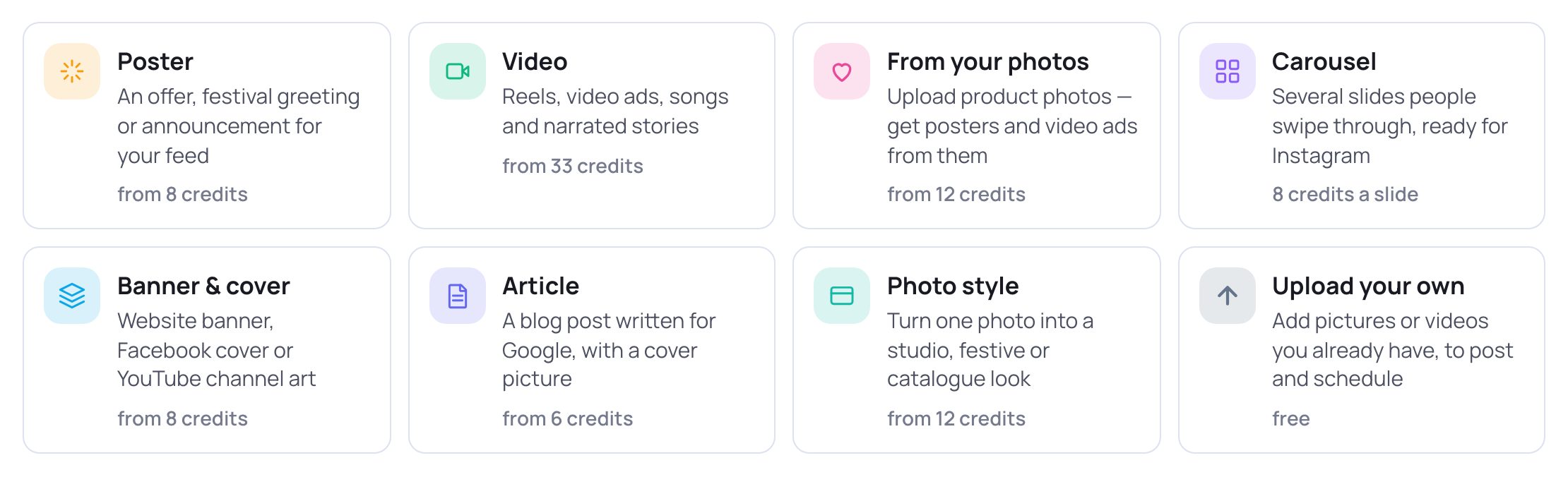
- 1Tap From your photos — "Upload product photos — get posters and video ads from them".
2. Add your photos
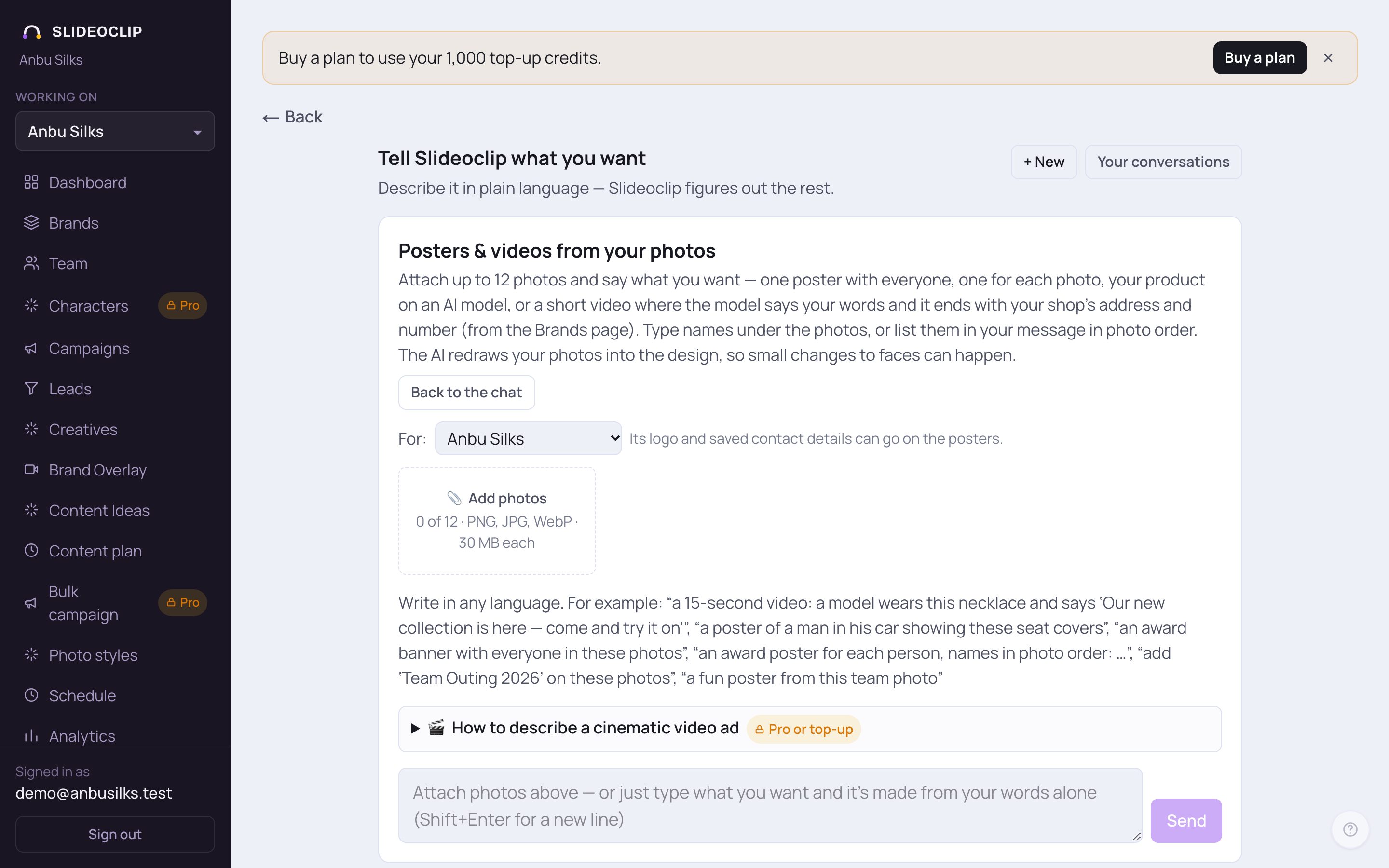
- 1Posters & videos from your photos opens. Read the short line under it — it lists everything this can make.
- 2For: pick the client these photos are for. Its logo and saved contact details can go on the posters and the video's closing card.
- 3Tap 📎 Add photos and choose up to 12 photos (PNG, JPG or WebP, up to 30 MB each). They are numbered in the order you pick them.
💡 Under each photo there are two small boxes, Name (optional) and Title (optional) — for example a person's name and "Best Employee 2026" for an award poster. You can also just list the names in your message, in photo order. Tap × on a photo to remove it.
3. Say what you want
The message box is at the bottom of the panel. Write the way you'd tell a designer.
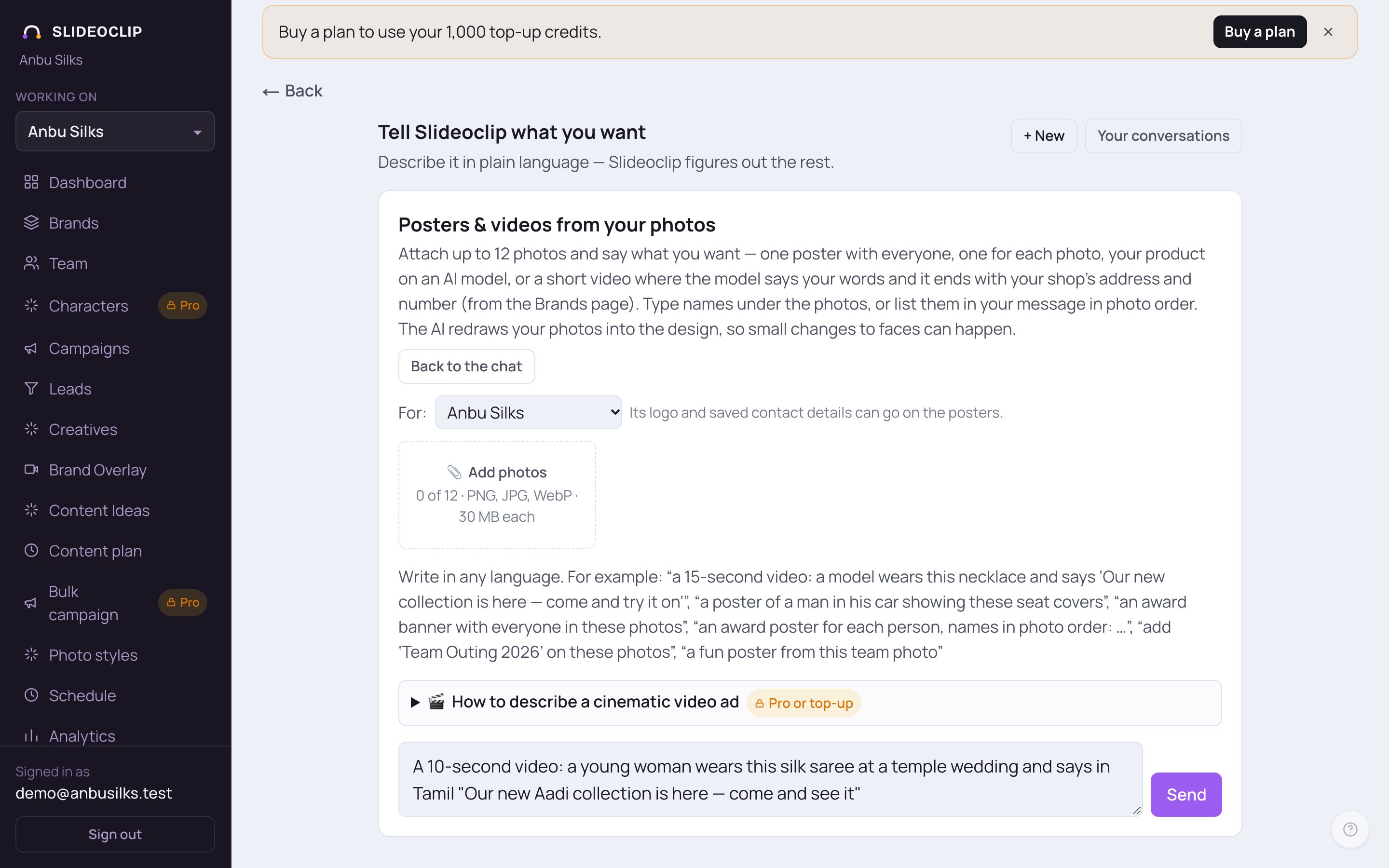
- 1The grey line shows examples of what you can ask: a short video where a model wears your product and says your words, a poster of your product in use, an award poster for each person, or your own words added on the photos.
- 2Type what you want in any language. Say whether you want one poster with all your photos or one poster for each photo, a poster with an AI model, or a video.
- 3Tap Send. The AI reads your photos and your words. It may ask one short question — just type your answer.
💡 No photo? You can still type and send — it is then made from your words alone, in the normal video chat.
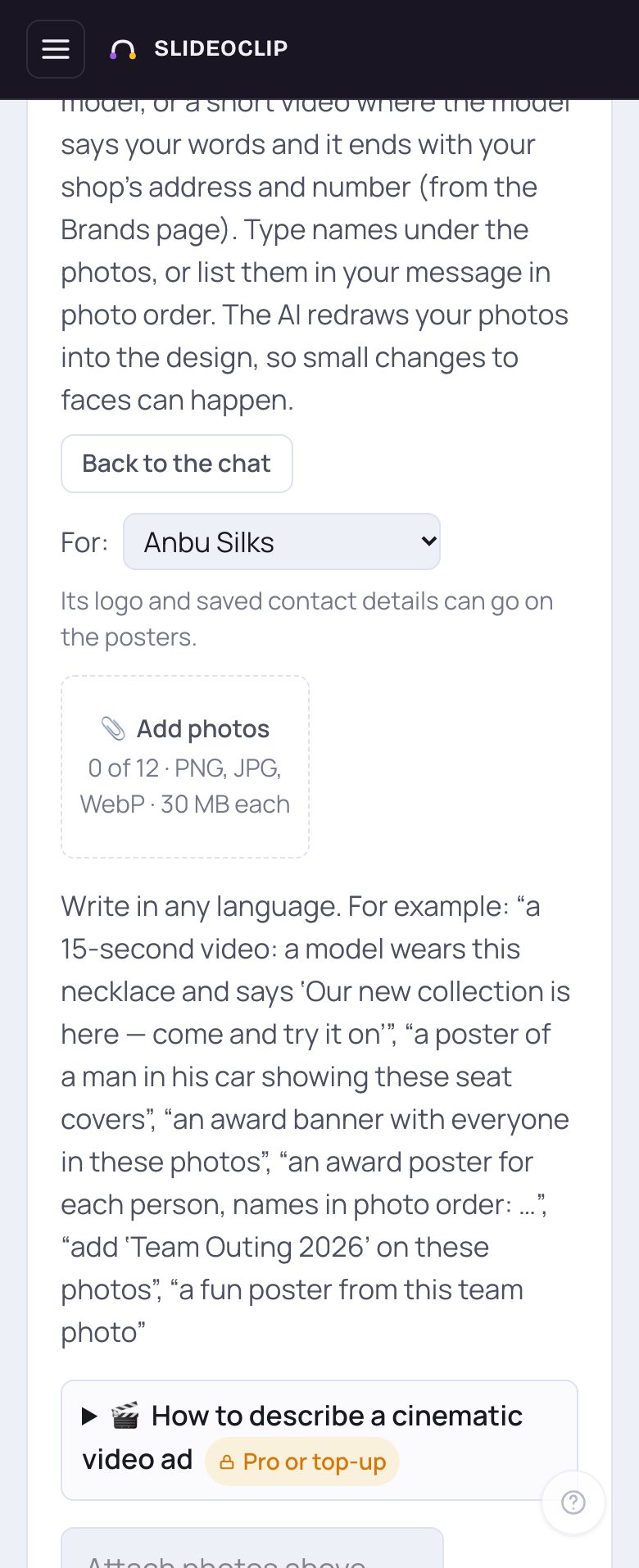
- 1On a phone it works the same way: tap 📎 Add photos to pick photos from your phone.
- 2Type what you want and tap Send.
4. Not sure how to describe a video ad?
Once at least one photo is added, a box 💡 Not sure what kind of ad to make? appears. Tap Suggest video ideas for this product (free). The AI looks at your first photo and your saved brand details and suggests ad ideas — each shows who is in it, where, what they say, the length, the shape and the credits. Tap Use this — edit, then Send to put one in the message box, or Decide for me (use the first idea as it is). Suggest different ideas gives you new ones.
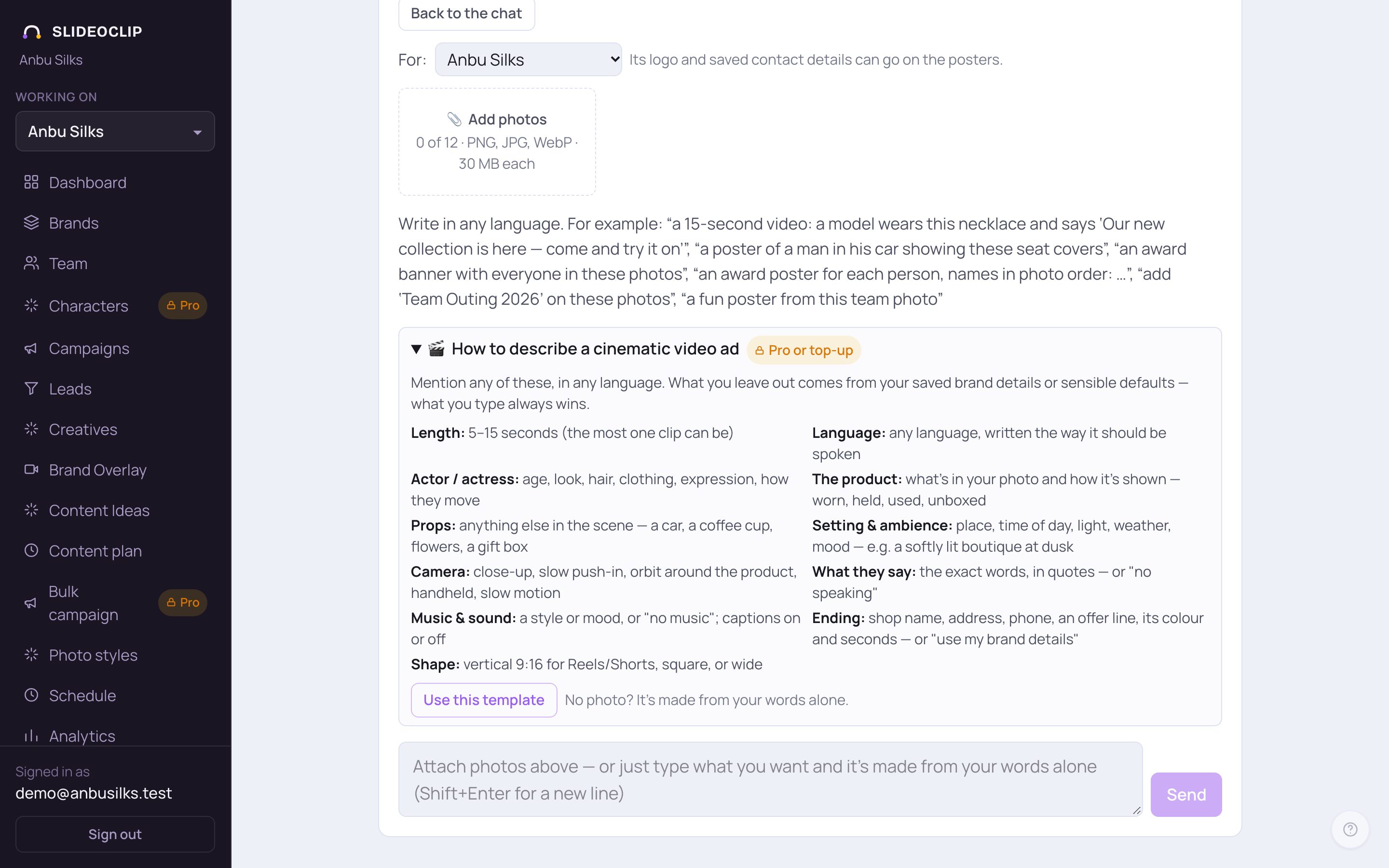
- 1Tap 🎬 How to describe a cinematic video ad to open the help.
- 2It lists what you can mention: Length (5–15 seconds), Language, Actor / actress, The product, Props, Setting & ambience, Camera, What they say, Music & sound, Ending and Shape. Anything you leave out comes from your saved brand details or sensible defaults — what you type always wins.
- 3Tap Use this template to put a fill-in form into the message box. Replace the words in [brackets], then tap Send.
5. Check the plan and price, then make them
After you send, a plan box appears under the conversation and shows exactly what will be made before anything is charged. Its first line says what you'll get: One poster with all your photos, One poster for each photo, One video with all your photos or One video for each photo. For a poster it lists the Headline, Second line, Contact line, Button, Shape, Quality and the AI model if you asked for one. For a video it lists what the model Says (or the Voice-over) and in which language, the Length plus a closing card, Also (a sales poster of the product with the headline, unless you said no), Sound (music, effects, captions, logo) and the Closing card — your shop name, address, phone and website, from what you typed or the Brands page. Price: shows the total credits (outputs × credits each). This is what you'll be charged; nothing is made until you confirm.
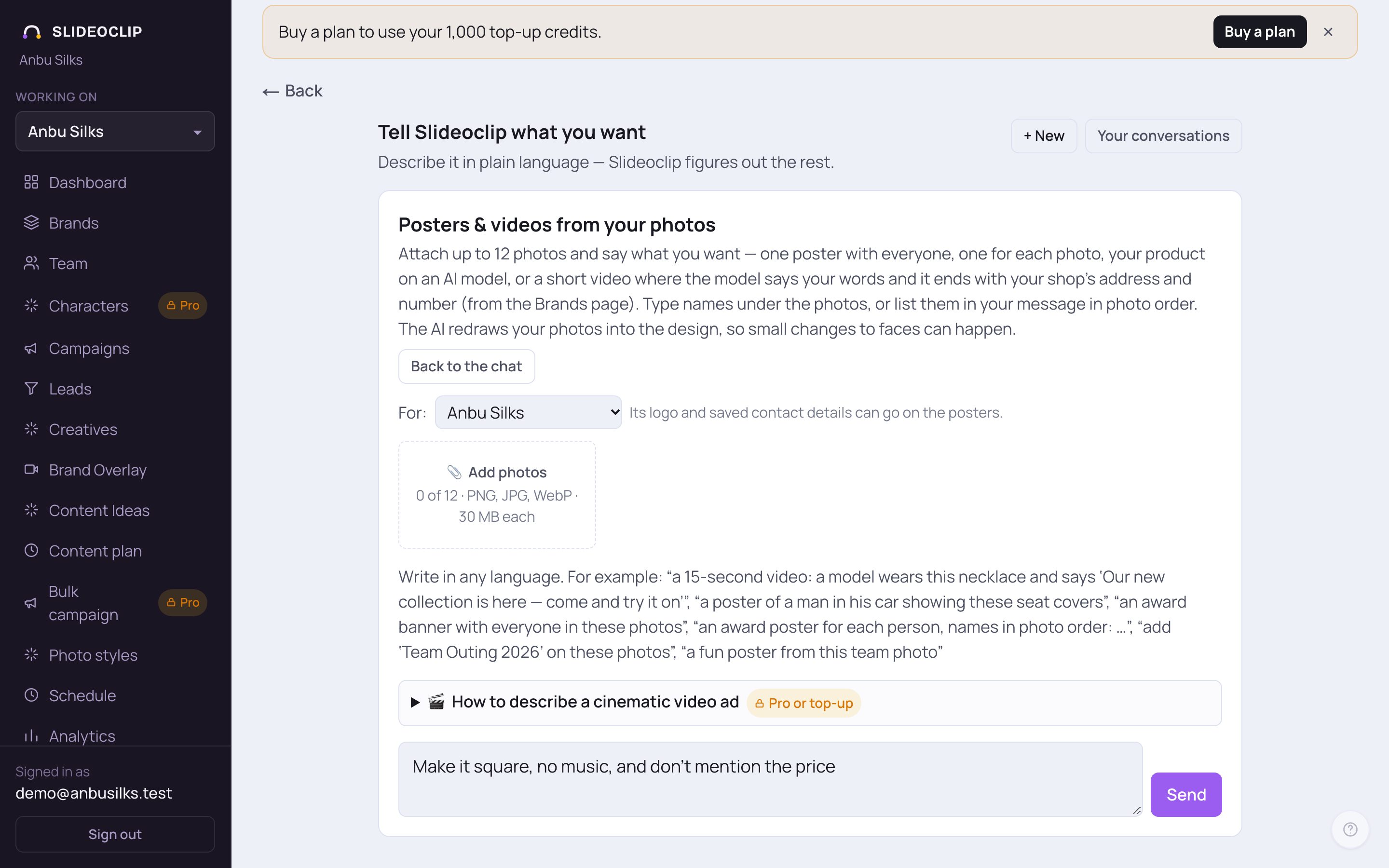
- 1Want something different in the plan? Just say it in the message box — for example "make it square", "no music" or "don't mention the price".
- 2Tap Send. The plan and the price are updated.
- When the plan is right, tap Make them (… credits) → in the plan box. A box opens with the numbers once more — tap Make them — … credits to start, or cancel.
💡 If a 🔎 What I found about this product box appears, it shows what was seen in your photo and any details found online for that exact product, with sources. Only these can be spoken or shown as features. To leave one out, say so in the chat.
6. While they're made, and where they go
Outputs are made one at a time. You'll see … of … made… with a progress bar, and a Stop button if you change your mind — what's already made is kept. Each poster appears as soon as it's ready; tap it to open it in Creatives. A video says Making the video… usually 1–3 minutes. and then plays right there. If a video can't be made, its credits are refunded. Tap Open Creatives → to post or schedule them. If you run short of credits, what you can afford is made and it stops — top up and tap Make the rest.
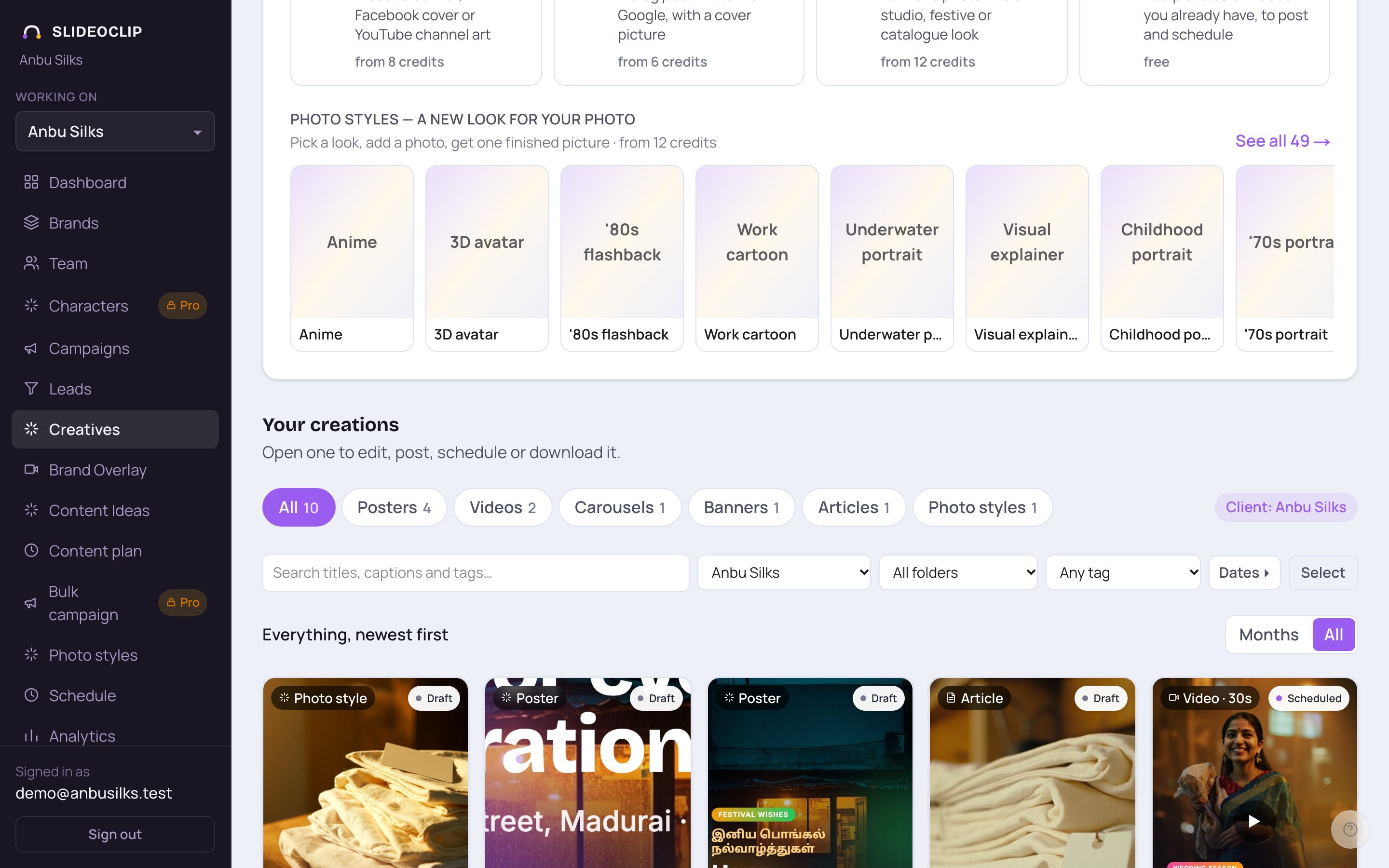
- 1Everything made from your photos is saved in Your creations.
- 2Posters are under Posters, video ads under Videos.
Good to know
- The AI redraws your photos into the design, so small changes to faces can happen. Check product details like stones or printed names before you post.
- Save your shop's address and phone on the Brands page first — then every video ad ends with them automatically.
- Tap New set of photos to start again with different photos. Back to the chat returns to the normal video chat.
- If you reload the page, your photos, the conversation and the progress are still there.
Questions
How many photos can I add?
Up to 12, as PNG, JPG or WebP, up to 30 MB each.
Will I be charged before I agree?
No. The price is shown in the plan box, and nothing is made until you tap Make them and confirm.
Why can't I make a video ad?
Video ads here are AI video, which comes with the Pro and Agency plans. On Starter or Growth, a top-up unlocks AI video until your plan ends. Posters from your photos work on every plan.
How long is a video ad?
5 to 15 seconds for the main part, then a short closing card with your shop's details.