All guides
Create your account and log in
Sign up with your email or your Google account, confirm your email address, log in on your phone or computer, and get back in if you forget your password.
Before you start
- ✓An email address you can open (Gmail works well)
1. Sign up with your email
Open slideoclip.com/signup on your phone or computer. One account is one workspace: your business (or your agency) and everything you make in it. No card is needed to sign up.
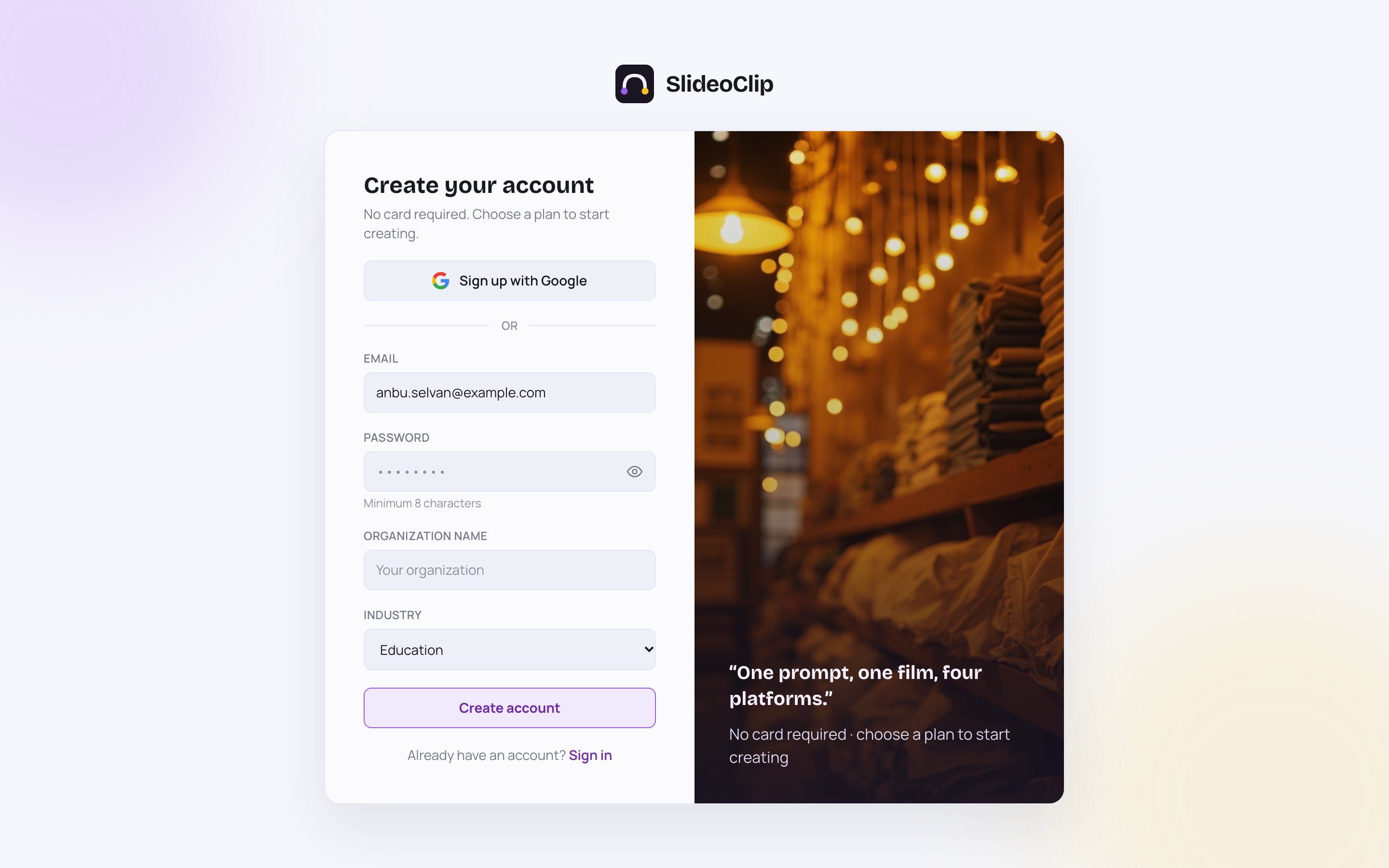
- 1Have a Google account? Tap Sign up with Google and you can skip the form. See "Sign in with Google" below.
- 2Or type your email address in Email. This is where we send your confirmation link and password-reset links, so use one you check.
- 3Choose a Password of at least 8 characters.
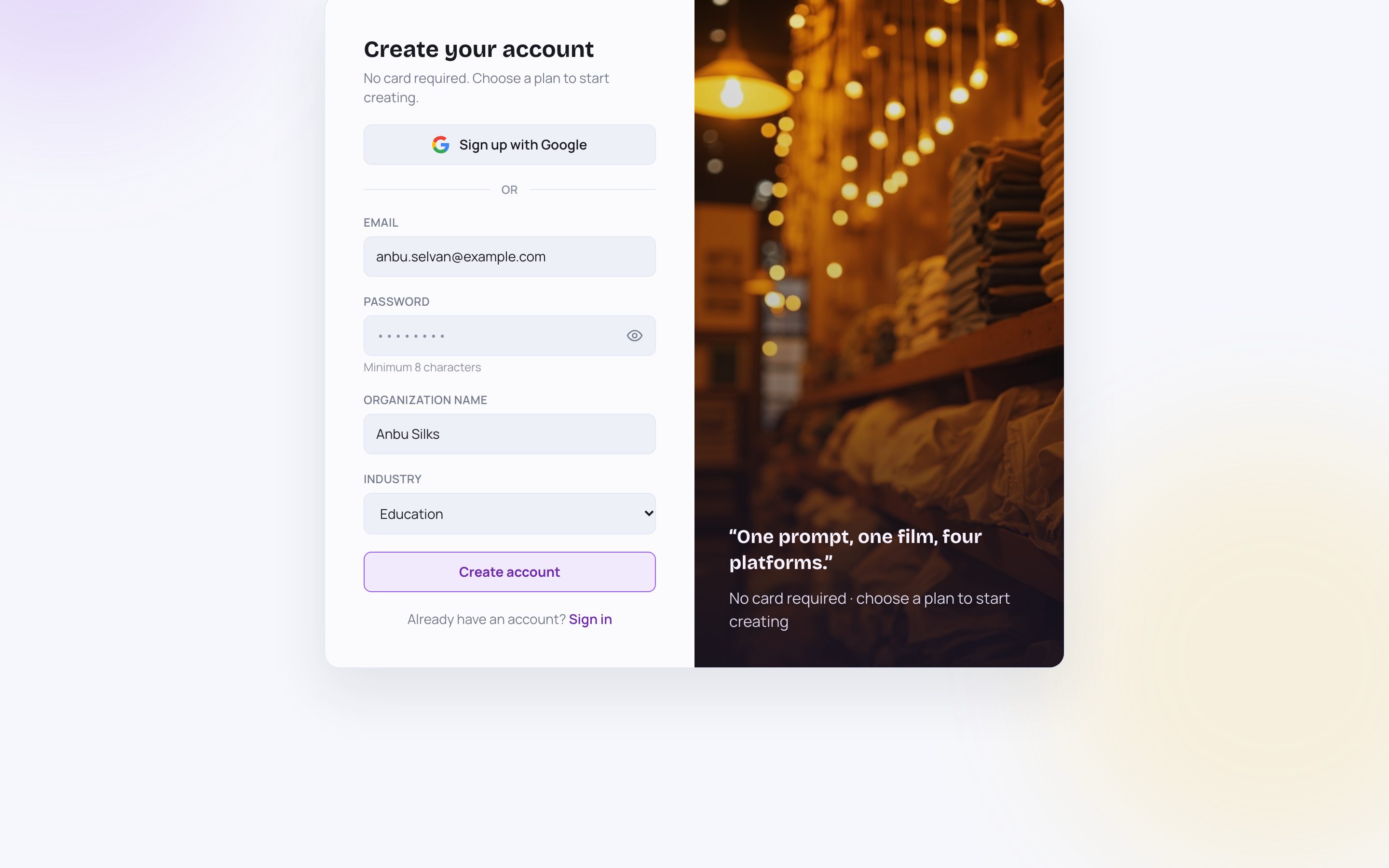
- 1In Organization name, type your business or agency name, for example "Anbu Silks". Your team will see this name in the menu.
- 2Pick your Industry: Education, Clinic / Healthcare, Retail, Brand / Product or Other. A saree shop would pick Retail.
- 3Tap Create account. You go straight to your dashboard and can start at once.
- 4Already have an account? Tap Sign in instead.
💡 Right after you sign up we email you a link to confirm your address. See the next section.
2. Confirm your email address
After you sign up with your email, a message from SlideoClip arrives in your inbox. Open it and tap the link inside. A page opens that says "Verifying your email…" and then "Email verified ✓". Tap Go to dashboard to carry on. The link works once and only for 24 hours. If it says "Verification failed", the link was old or already used: open Account in the menu and tap Resend verification email to get a fresh one. You can keep using SlideoClip while you wait. If you signed up with Google, your email is already confirmed and no message is sent.
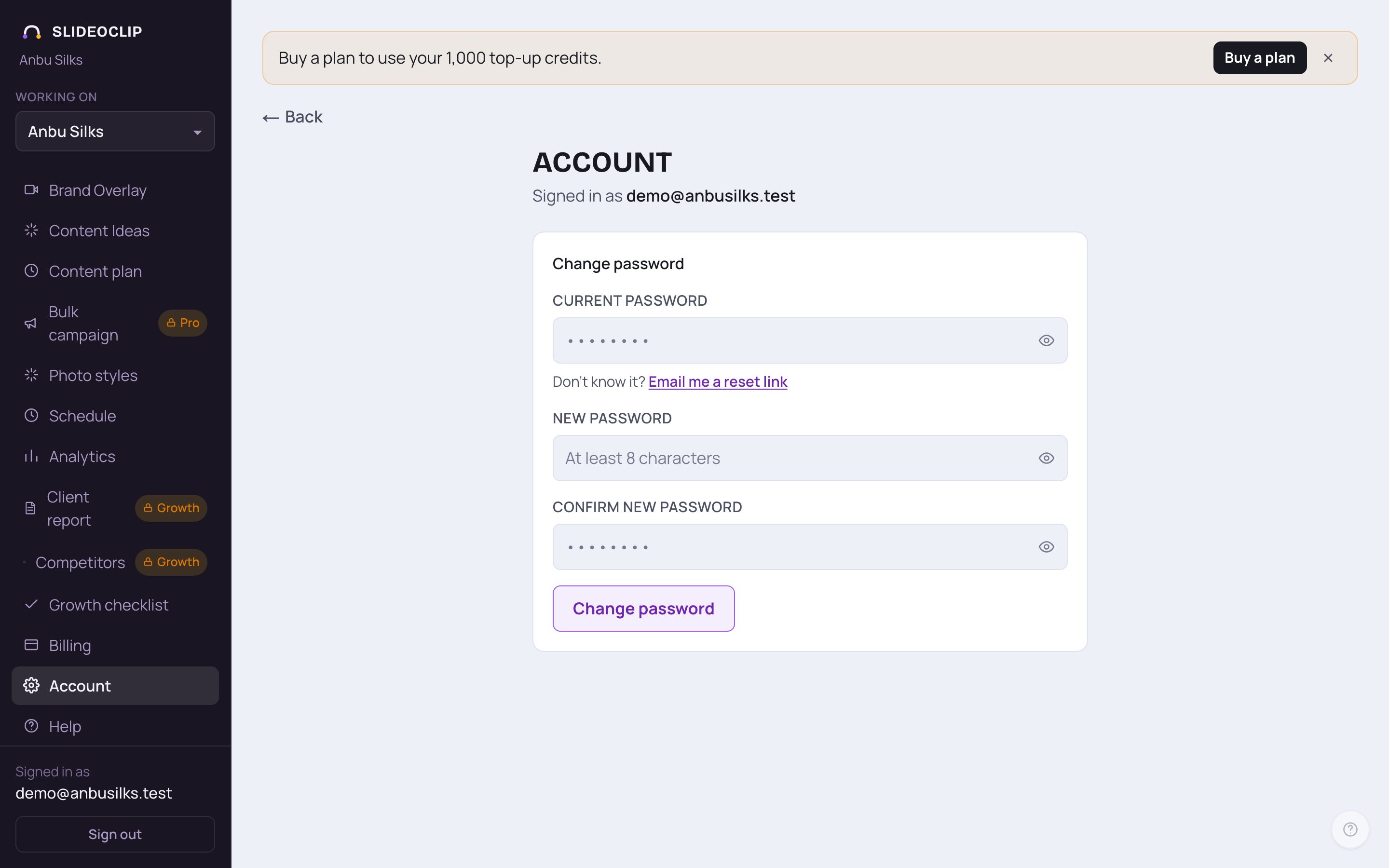
- 1Can't find the email? Check your Spam or Promotions folder first. Then open Account in the menu.
- 2Check that the address after Signed in as is spelled right.
- If your email isn't confirmed yet, a yellow box at the top of this page says "Your email isn’t verified yet." Tap Resend verification email in that box and open the newest email.
💡 The screenshot shows an account that is already confirmed, so the yellow box isn't there.
3. Log in
Next time, open slideoclip.com/login. If you are still logged in on that device, it takes you straight to your dashboard.
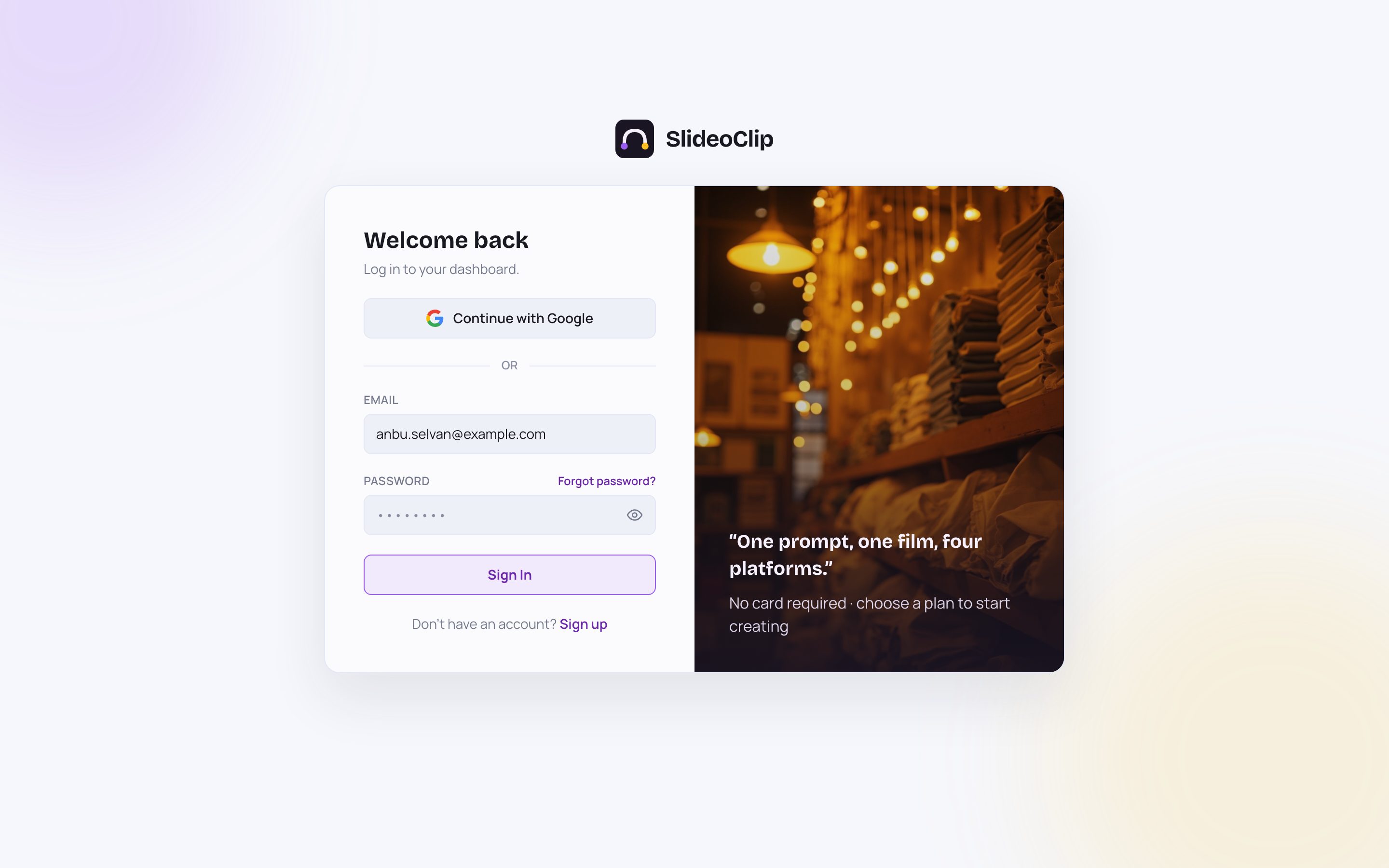
- 1Type the email address you signed up with.
- 2Type your password.
- 3Tap Sign In. Your dashboard opens.
- 4No account yet? Tap Sign up.
💡 If you see a red message such as a wrong password, check for a capital letter or an extra space, or use "Forgot password?" below.
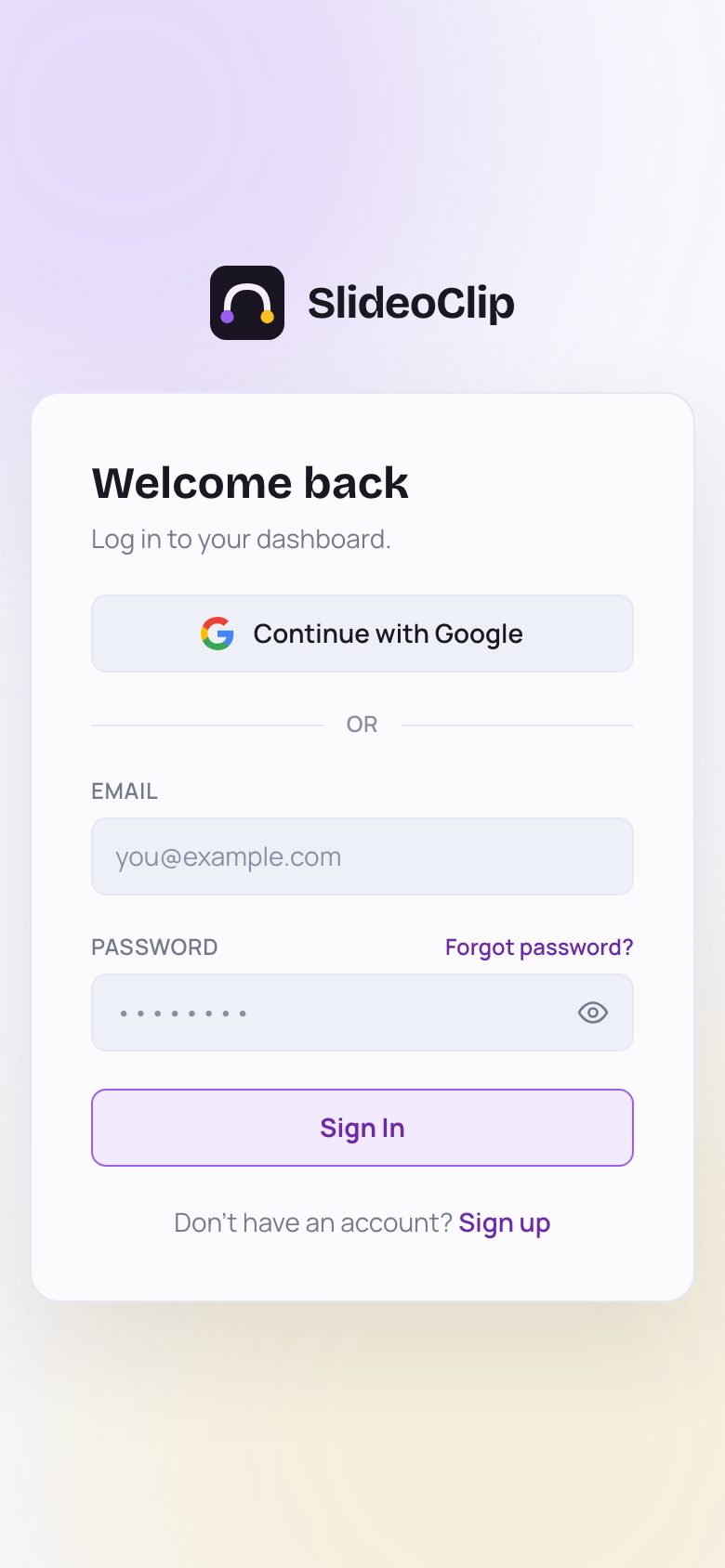
- 1On a phone the page is the same, just narrower. If you signed up with Google, tap Continue with Google.
- 2Forgot password? sits just above the password box.
- 3Otherwise type your email and password and tap Sign In.
4. Sign in with Google
Google sign-in means one less password to remember. It works on the sign-up page (Sign up with Google) and the login page (Continue with Google). Both buttons do the same thing.
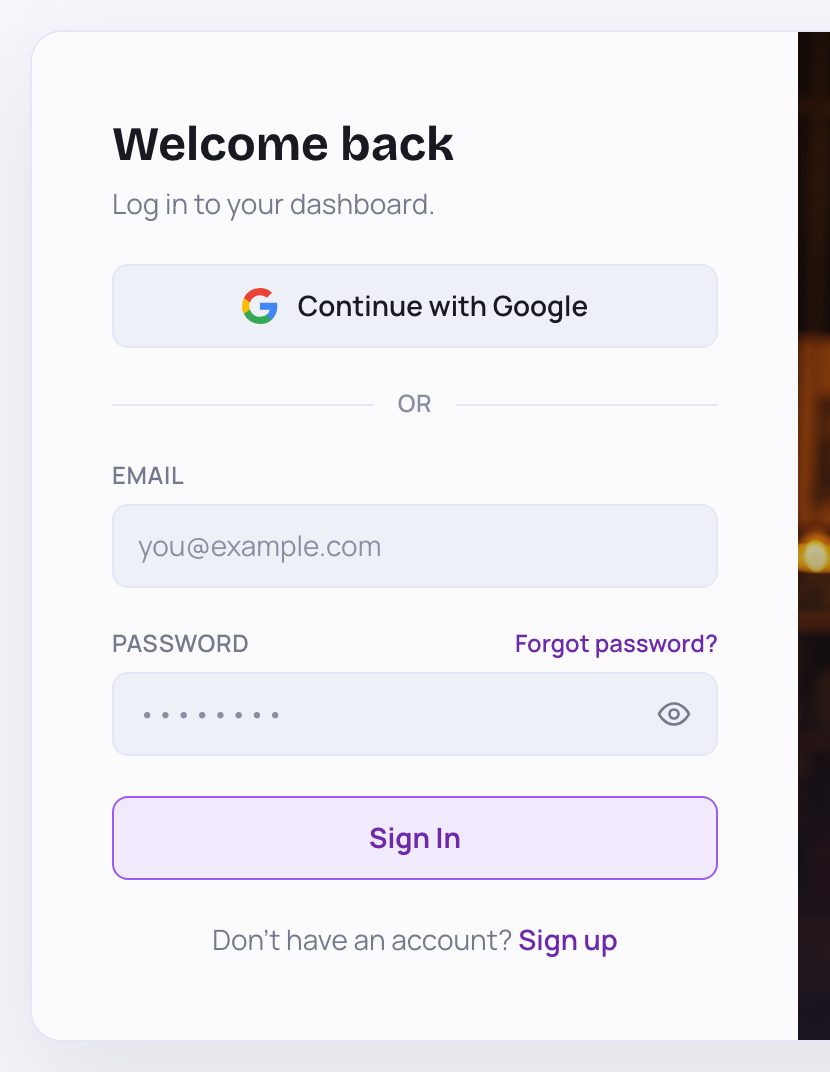
- 1Tap Continue with Google. Google's own window opens. Pick your Google account (or log in to Google) and allow it.
- You come back to SlideoClip, see "Signing you in…" for a moment, and your dashboard opens.
- First time with this Google account? A new workspace is made for you, named after you (for example "Anbu Selvan's workspace"), and your email is already confirmed.
- Already signed up with the same email and a password? Google is simply added to that account, so both ways of logging in work.
💡 Google-only accounts have no SlideoClip password. If you also want to log in with email and password, set one on the Account page (see the guide "Account and password").
5. Forgot your password?
You can choose a new password yourself, by email. It takes about a minute.
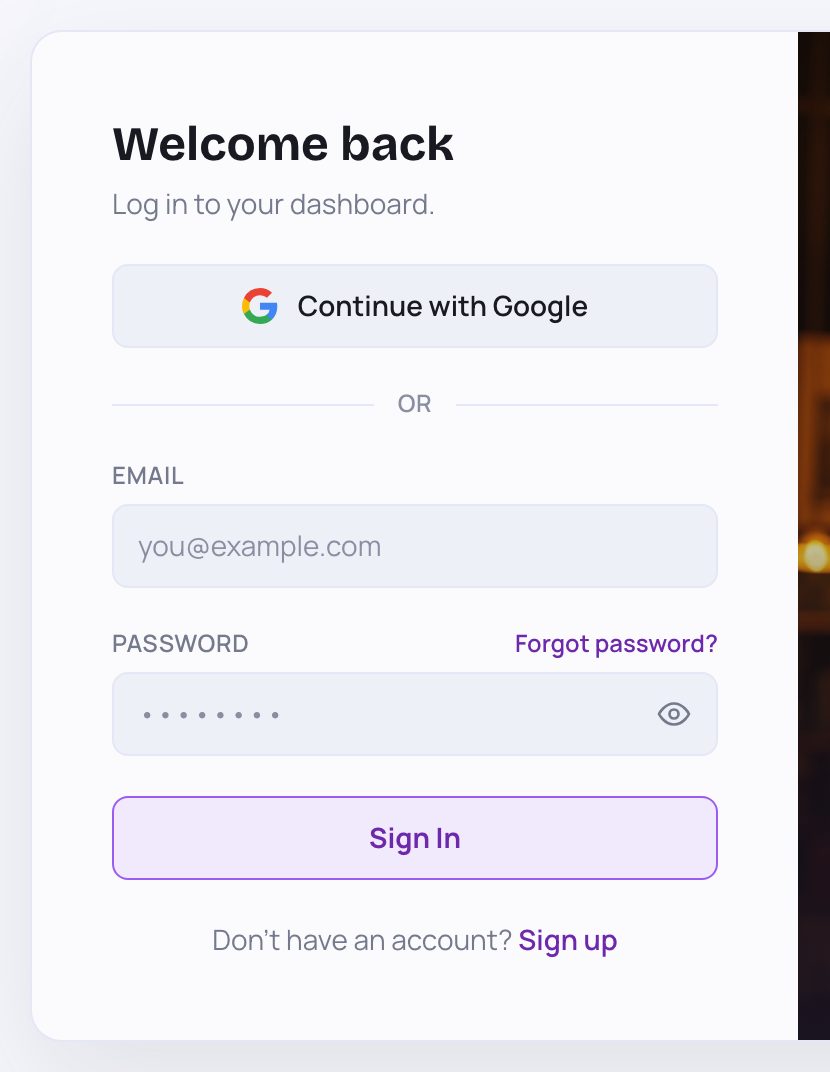
- 1On the login page, tap Forgot password? just above the password box.
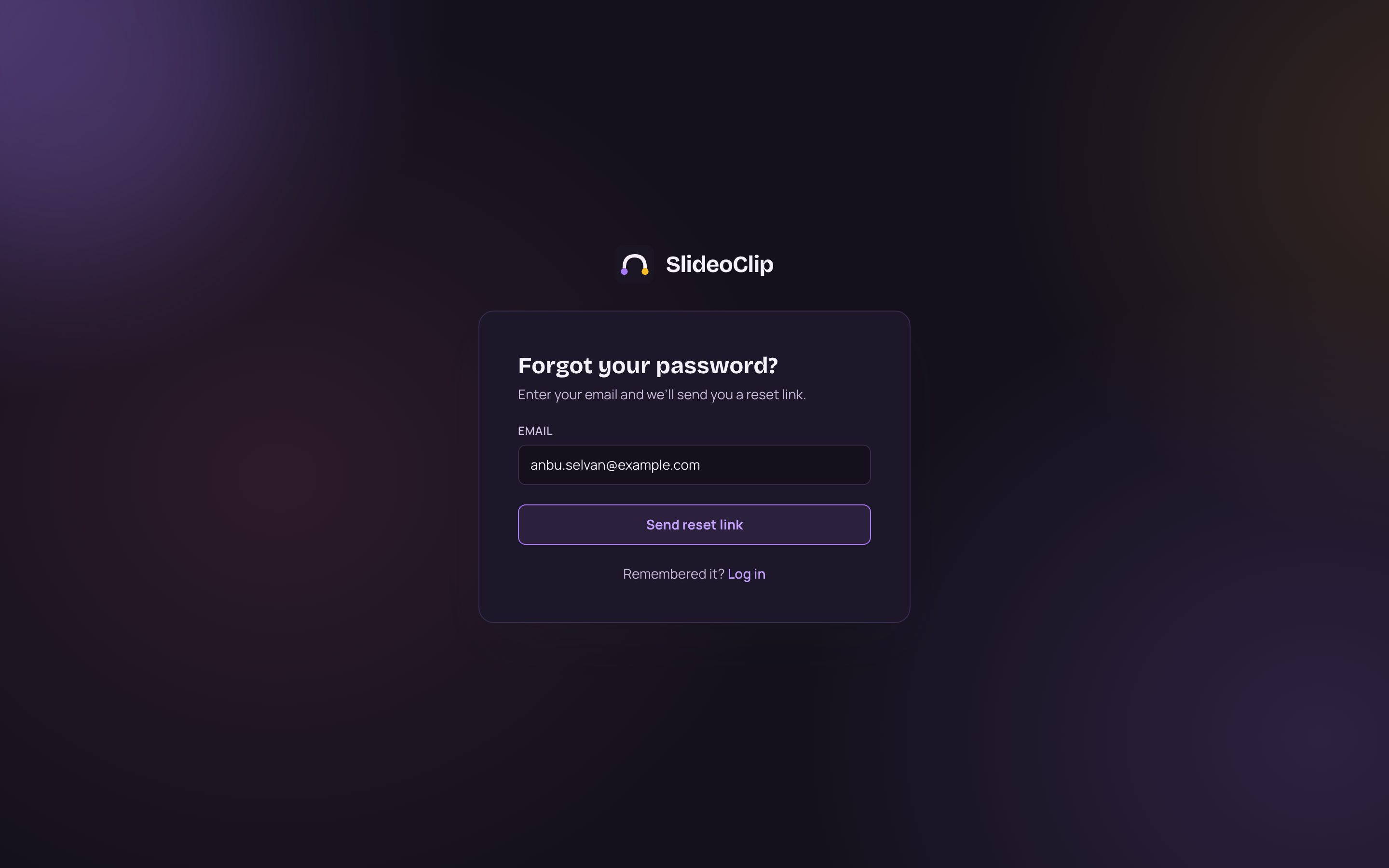
- 1Type the email address of your account.
- 2Tap Send reset link. The page changes to "Check your email". Open the email from SlideoClip and tap the link inside. It works once, within 1 hour.
- 3Remembered it after all? Tap Log in to go back.
💡 For your safety the page never says whether an account exists for that email. If nothing arrives in a few minutes, check Spam and make sure you typed the same email you signed up with.
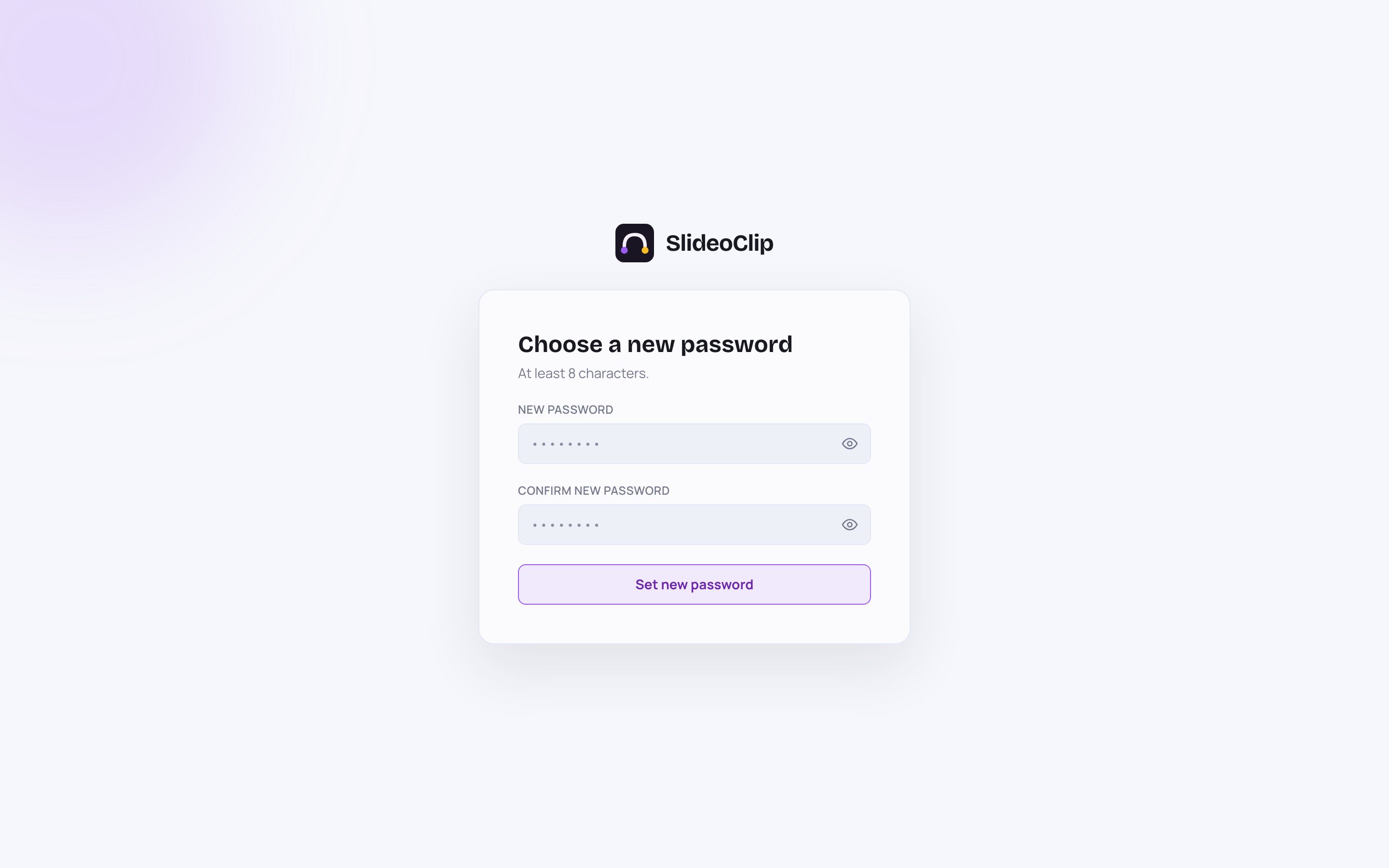
- 1The link in the email opens this page. Type your new password in New password, at least 8 characters.
- 2Type the same password again in Confirm new password.
- 3Tap Set new password. You see "Password updated". Tap Go to login and log in with the new password.
💡 If the page says "Invalid link" or the link has expired, tap Request a new link and start again. Using a reset link also confirms your email address.
Good to know
- Use the same email address every time. A different email makes a different account with its own, separate workspace.
- Sign-up is free, but making things uses credits. You always see the price before anything is made.
- Working with a team? Don't share your login. The owner can add each person on the Team page (see "Add your team").
Questions
Do I need a card to sign up?
No. You only pay when you buy a plan on the Billing page.
I never got the confirmation email.
Check Spam and Promotions. Then open Account in the menu and tap Resend verification email. Each link works once and for 24 hours, so always open the newest email.
Can I sign up with Google and later log in with a password?
Yes. Open Account in the menu, choose a password under Set a password, and tap Set password. After that both ways work.
My reset link says it is invalid or expired.
Reset links work once and only for 1 hour. Go to the login page, tap Forgot password? and ask for a new one.
I signed up with the wrong business name. Can I change it?
There is no button for that yet. Email admin@slideoclip.com with your login email and the correct name.